A useful starting point
Choose a location and the map layers that matter to your project, then work with editable geometry instead of tracing pixels.
About Drawrix
Drawrix is an independent web tool that turns OpenStreetMap data into editable DXF drawings and SVG site-context diagrams for architecture, planning and design workflows.
The goal is practical: spend less time rebuilding a map from a screenshot and more time working on your project.
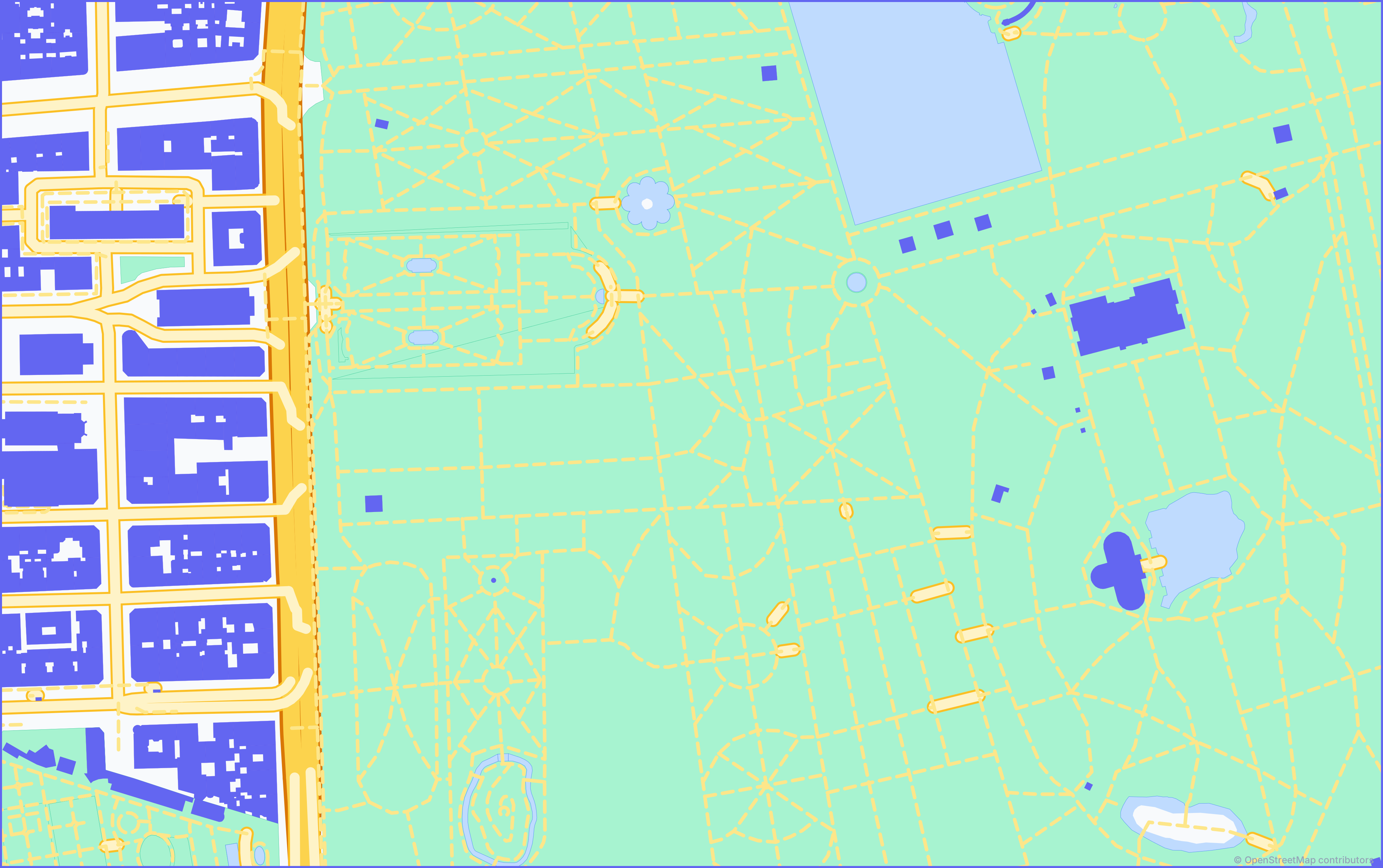
Choose a location and the map layers that matter to your project, then work with editable geometry instead of tracing pixels.
DXF supports CAD drawing workflows. SVG supports visual editing and presentation diagrams. Their units and styling are not interchangeable.
Exports are based on OpenStreetMap. Coverage varies by place, and missing source data cannot be recovered from a basemap image.
Drawrix queries map data for your selected area, processes the requested layers and generates downloadable files. The editor includes generation status, previews and download history. Available options depend on the selected format, plan and source data.
The service operates from Peru and is accessible to users in different countries. It is not affiliated with or endorsed by the OpenStreetMap Foundation, Autodesk or Adobe.
Drawrix does not replace a topographic survey, an official cadastral record or a complete architectural site analysis. Check project-critical boundaries, dimensions, heights and levels against authoritative information.
Generation time depends on area, data density, selected layers, queue time and upstream availability. Instant generation and complete coverage are not guaranteed.
The Madrid sample and workflow guide include a downloadable DXF, SVG and source notes without an account. You can also read how to check CAD units or edit the SVG groups.
Contact [email protected] for account, generation or download help. For billing and privacy requests, use [email protected]. Do not include passwords, card details or access tokens in your message.
Sobre Drawrix
Drawrix es una herramienta web independiente que convierte datos de OpenStreetMap en dibujos DXF editables y diagramas SVG de contexto para flujos de arquitectura, urbanismo y diseño.
Su objetivo es práctico: dedicar menos tiempo a reconstruir un mapa desde una captura y más tiempo a tu proyecto.
Selecciona una ubicación y las capas relevantes para tu proyecto. Trabaja con geometría editable en lugar de calcar píxeles.
DXF está orientado al trabajo de dibujo CAD. SVG facilita la edición visual y los diagramas de presentación. Sus unidades y estilos no son intercambiables.
Las exportaciones se basan en OpenStreetMap. La cobertura varía por ubicación y una imagen del mapa base no permite recuperar datos que faltan en la fuente.
Drawrix consulta los datos del área seleccionada, procesa las capas solicitadas y genera archivos descargables. El editor ofrece estado de generación, previsualizaciones e historial de descargas. Las opciones disponibles dependen del formato, plan y datos de origen.
El servicio opera desde Perú y es accesible para usuarios de distintos países. No está afiliado ni cuenta con el respaldo de la OpenStreetMap Foundation, Autodesk o Adobe.
Drawrix no sustituye un levantamiento topográfico, un registro catastral oficial ni un análisis arquitectónico completo. Verifica límites, dimensiones, alturas y niveles críticos con información autorizada.
El tiempo depende del área, densidad de datos, capas elegidas, cola y disponibilidad de los proveedores. No se garantiza una generación instantánea ni una cobertura completa.
La muestra de Madrid y su guía incluyen DXF, SVG y notas de la fuente sin necesidad de una cuenta. También puedes consultar cómo comprobar las unidades CAD o editar los grupos del SVG.
Escribe a [email protected] para problemas de cuenta, generación o descarga. Para facturación y privacidad, utiliza [email protected]. No envíes contraseñas, datos de tarjeta ni tokens de acceso.